
Download BazQux Reader – Fast, Secure Feed Reader for Windows, Mac, Android & iOS
Overview
BazQux Reader is a lightweight yet powerful feed reader that lets you stay on top of blogs, news sites, and even social media streams such as Facebook and Twitter—all from a single, clean interface. Unlike the generic RSS widgets baked into most browsers, BazQux offers a dedicated environment where you can star, tag, and share articles with a few clicks. The design focuses on speed: pages load instantly, and the reader’s own servers cache content so you never wait for a slow external site to render.
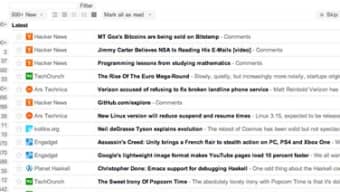
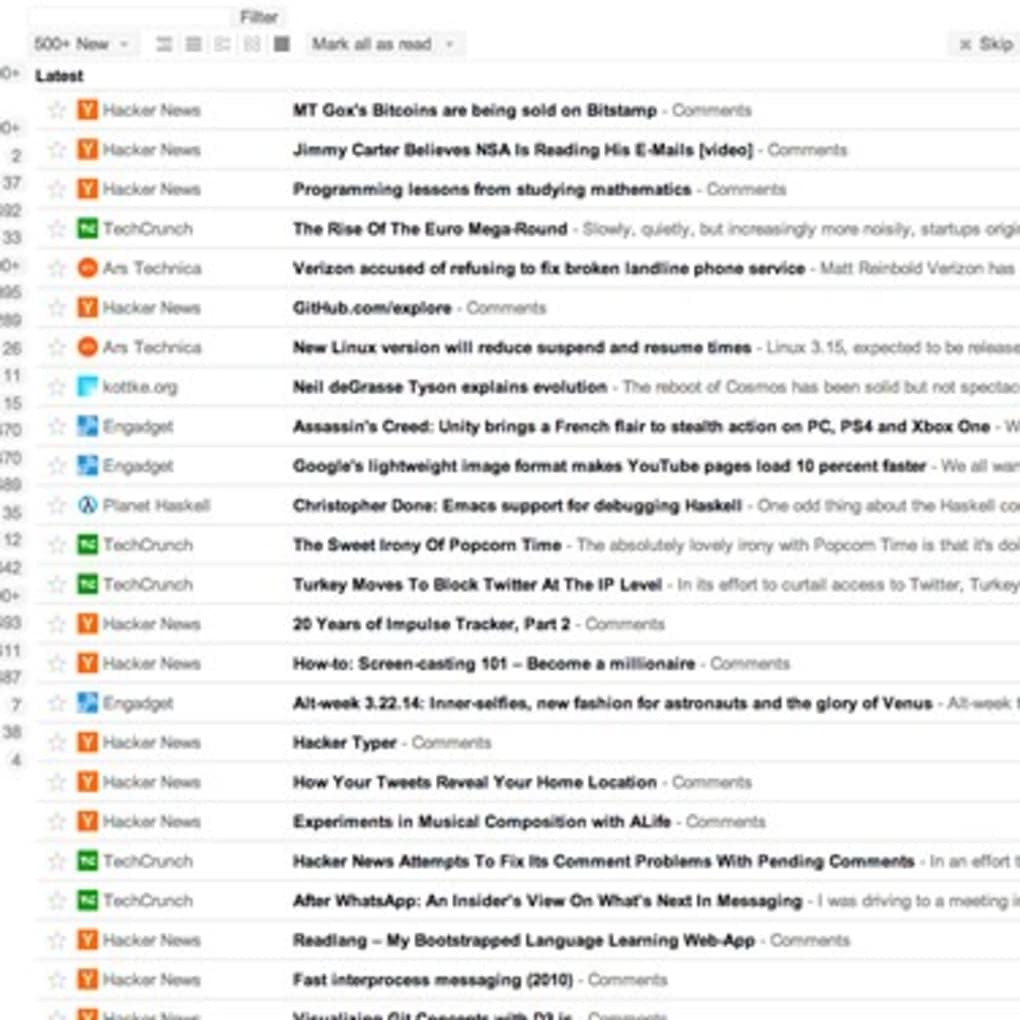
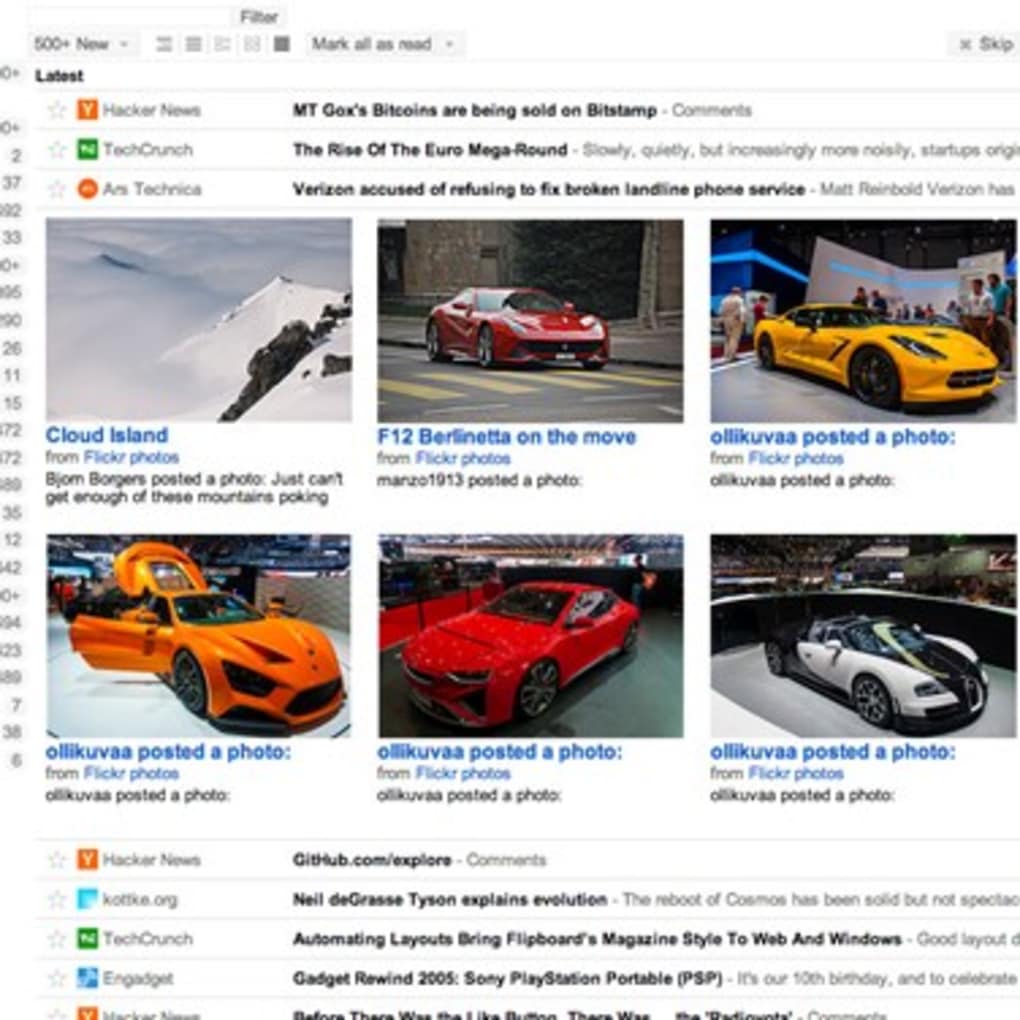
Whether you’re a casual reader who wants to skim headlines on a morning commute or a power user who needs to filter and search thousands of entries, BazQux delivers a balanced experience without demanding a premium price. Its responsive layout automatically adapts to desktop monitors, laptops, tablets, and smartphones, meaning you can enjoy the same workflow on Windows, macOS, Android, or iOS. The app also supports multiple view modes—classic list, expanded preview, and comment‑focused view—so you can choose how much context you need before diving deeper.
In short, BazQux Reader provides a secure, ad‑free environment for aggregating content, and it does so with a level of polish that rivals many paid alternatives.
Core Features that Set BazQux Apart
- Unified Social Integration: Pull in Facebook and Twitter streams alongside traditional RSS feeds, creating one hub for all your online reading.
- Star & Tag System: Mark important articles with stars and organize them with custom tags for instant retrieval later.
- Multiple View Modes: Switch between compact list, expanded preview, and comment‑only view to suit your reading style.
- Fast Server‑Side Caching: BazQux pre‑fetches content on its own servers, dramatically reducing load times on any device.
- Powerful Search & Filter: Use keyword search, tag filters, or date ranges to narrow down thousands of entries in seconds.
- Responsive Design: Seamlessly works on Windows, macOS, Android, and iOS with a UI that adjusts to any screen size.
- Offline Reading: Save articles for later access when you’re offline or on a limited connection.
- Sharing Made Simple: One‑click sharing to popular platforms like Reddit, LinkedIn, or email without leaving the reader.
- Secure Login: OAuth‑based authentication keeps your credentials safe while syncing across devices.
- Free Core Version: All essential features are available at no cost; premium upgrades add optional analytics and custom themes.
The feature set is deliberately curated to avoid bloat. Each function is built with performance in mind, ensuring that even users with slower internet connections experience a fluid browsing experience. Moreover, the tagging and starring capabilities turn BazQux into a personal knowledge base, allowing you to curate content the way you would with a physical newspaper clipping folder—only faster and searchable.
Installation, Compatibility & First‑Run Guide
Getting Started on Desktop (Windows & macOS)
Visit the official BazQux website and click the “Download for Windows” or “Download for macOS” button. The installer is a small (<10 MB) executable that runs through a standard wizard—accept the license, choose an install folder, and click “Finish.” After installation, launch the app; you’ll be greeted by a clean login screen. Sign in using your Google, Facebook, or native BazQux account. Once authenticated, the app automatically imports any existing RSS subscriptions linked to your account.
Mobile Setup (Android & iOS)
For mobile devices, open the Google Play Store or Apple App Store, search for “BazQux Reader,” and tap “Install.” The mobile version mirrors the desktop experience: after the first launch, sign in with the same credentials to sync your feeds instantly. Push notifications can be enabled in the settings to receive real‑time alerts for starred or highly‑tagged articles.
System Requirements (itemprop="operatingSystem")
BazQux Reader runs on the following platforms:
- Windows 10 or later (64‑bit)
- macOS 10.14 Mojave or newer
- Android 6.0 Marshmallow or later
- iOS 13 or later
The application needs a minimum of 200 MB free disk space and a stable internet connection for initial feed synchronization. Because most processing occurs on BazQux’s servers, the client’s CPU and memory footprint remains low, making it suitable for older laptops or budget smartphones.
First‑Run Tips
After logging in, take a moment to explore the “Settings” panel. Here you can enable dark mode, set your preferred default view, and configure how many articles are cached for offline reading. Use the “Import OPML” button to bring in feeds from other readers like Feedly or Inoreader. Finally, test the star and tag functions on a few articles to see how quickly they appear in the “Starred” and “Tags” sections—these shortcuts are the core of BazQux’s productivity boost.
Pros, Cons, FAQ & Final Verdict
Pros & Cons
- Pros:
- Lightning‑fast loading thanks to server‑side caching.
- Unified view for RSS, Facebook, and Twitter streams.
- Robust tagging and starring system for personal organization.
- Responsive UI works flawlessly on desktop and mobile.
- Free core version with optional premium upgrades.
- Cons:
- No built‑in translation for foreign‑language feeds.
- Limited customization of themes in the free tier.
- Occasional sync delay when adding new feeds on mobile.
Frequently Asked Questions
Is BazQux Reader completely free?
The core application is free for unlimited use. Premium features such as custom themes and advanced analytics are offered as optional paid upgrades.
Can I import feeds from other readers?
Yes. BazQux supports OPML import, allowing you to migrate subscriptions from Feedly, Inoreader, or any other RSS reader with a single click.
How secure is my data?
BazQux uses OAuth for authentication and stores all user data on encrypted servers. No passwords are ever saved in plain text.
Does it work offline?
Articles you have opened or explicitly saved can be accessed offline on both desktop and mobile apps.
Can I share articles directly from BazQux?
Yes. A single “Share” button lets you post to Reddit, LinkedIn, email, or copy a direct link to the clipboard.
Conclusion & Call to Action
Overall, BazQux Reader delivers a sleek, fast, and secure environment for anyone who wants to consolidate web content without paying a subscription fee. Its blend of social‑media integration, powerful tagging, and cross‑platform consistency makes it a strong contender against both free browser extensions and premium services. If you’re tired of juggling multiple tabs or slow RSS widgets, give BazQux a try today. Download now and experience a smoother, more organized way to read the web.
BazQux Reader strikes an impressive balance between simplicity and functionality. Its speed, clean UI, and cross‑device sync are standout features, while the free tier remains generous enough for most casual users. Minor drawbacks like limited theme options are outweighed by its overall performance.



.png)



